Holiday spending tracker: know what is left before you spend it
A budget tells you what you plan to spend. A tracker tells you what you have actually spent. During the holidays the gap between those two numbers can grow fast, because spending is spread across many shops, websites, cards and days. A holiday spending tracker closes that gap.
Why holiday spending is hard to track
- Many small purchases. Coffee during shopping trips, stocking fillers, extra groceries. Each feels too small to matter.
- Several payment methods. Debit card, credit card, cash, and online accounts each show only part of the picture.
- Delayed charges. Pre-orders and buy-now-pay-later plans arrive later, after you thought December was done.
- Shared costs. Splitting dinners or gifts with others makes it unclear what your share really is.
What to track
For each purchase, record the date, what it was, the category (gifts, food, travel, decorations and so on), who it was for if it is a gift, and the amount. That is enough. The tracker should then show you, per category: planned, spent, and remaining.
A simple tracking routine
- Log on the day. Do it in the shop queue or in the evening. Ten seconds per purchase.
- Count pending payments. If you buy now and pay later, record the full amount now. It is still Christmas spending.
- Check the remaining column before big buys. Before any purchase over a set amount, open the tracker first.
- Do a weekly five-minute review. Compare with your bank app and add anything missed.
- Close the books in January. When the last charges arrive, mark the season done and note what you learned.
Warning signs to watch
A category going red early in December, the buffer used up before the 20th, or gifts bought "just in case" are all signals to pause and re-plan. It is much easier to rebalance with two weeks left than on Christmas Eve.
A tracker that does the maths
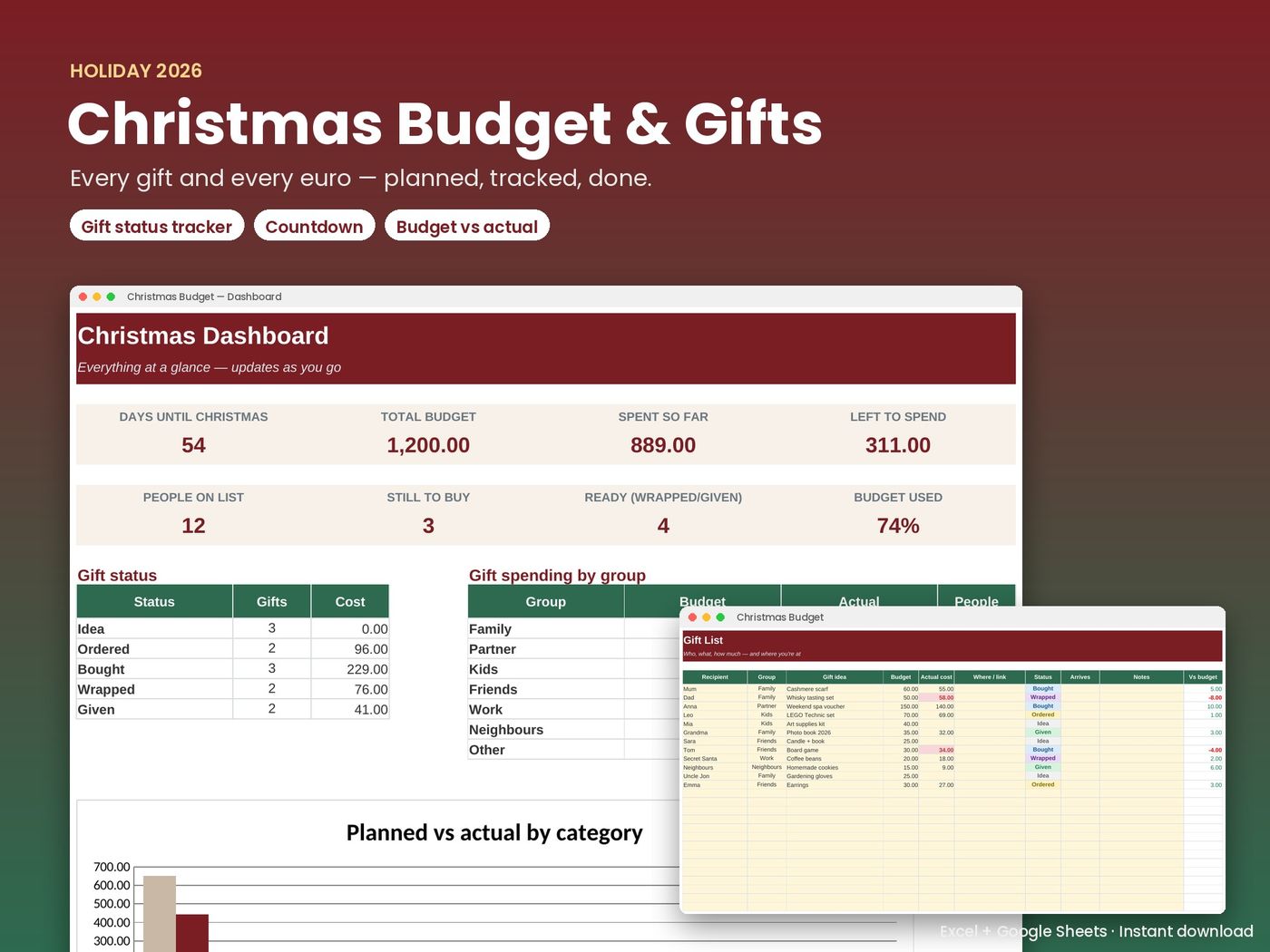
Christmas Budget & Gift Tracker — €4
Excel + Google Sheets. One-time purchase, instant download.
Buy now — €4 See what's insideThe Christmas Budget & Gift Tracker combines the plan and the tracking: set a total, split it into 9 categories, log actual costs per gift and category, and see over-budget warnings and spending by group on the dashboard. It runs in Excel and in free Google Sheets, so you can update it from your phone.
If you have not set your plan yet, start with how to budget for Christmas. And if you want the same habit of tracking all year, the 2027 Budget Planner extends it to monthly money, with a steady "salary" for irregular income.
Frequently asked questions
Is a holiday spending tracker different from a budget?
A budget is the plan; a tracker records what you actually spend against it. The Christmas Budget & Gift Tracker does both in one file.
Can I track spending in Google Sheets on my phone?
Yes. Import the .xlsx into Google Sheets and use the Google Sheets app to log purchases.
Should I include buy-now-pay-later purchases?
Yes. Record the full amount when you buy, so your holiday total stays accurate even if the payment comes later.
Does the file connect to my bank?
No. You enter amounts yourself, and your data stays in your own file.